Keep CareBridge within reach.
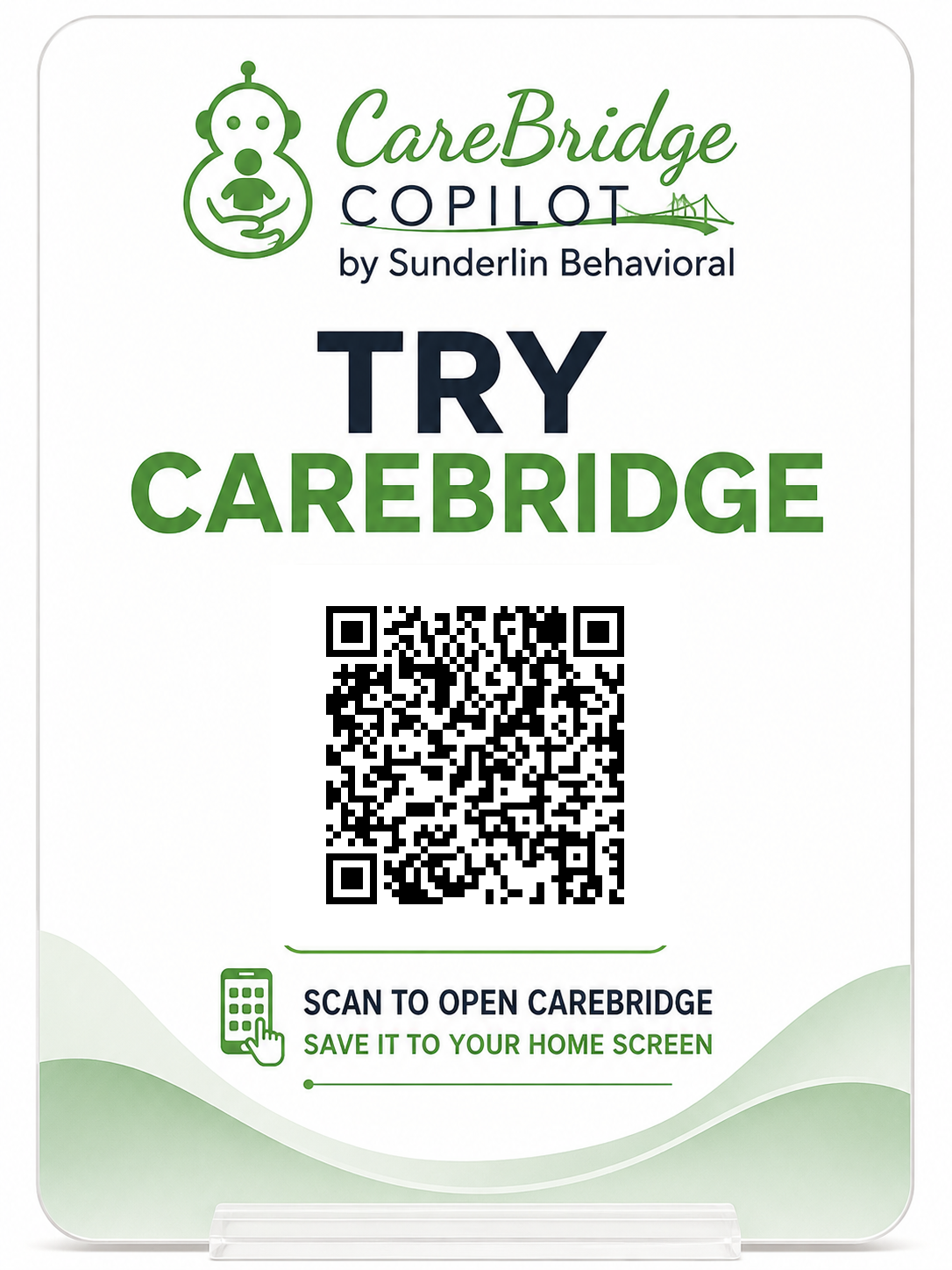
Scan the QR code to open CareBridge Copilot on your phone. Then follow the instructions to save it to your Home Screen for easier access during real-life moments.
Scan to open CareBridge
Open your phone camera, point it at the QR code, and tap the link that appears.
GetCareBridgeCopilot.com/launch
Add CareBridge to Your Home Screen
- 1Scan the QR code or open GetCareBridgeCopilot.com/launch in Safari.
- 2Tap the Share button.
- 3Scroll down and select “Add to Home Screen.”
- 4Confirm the name “CareBridge Copilot.”
- 5Tap “Add.”
For the best result, complete these steps in Safari.
CareBridge currently opens as a secure web application. Google Play access is in development.
Mobile troubleshooting
Need more help?
Contact our CareBridge support team at [email protected]